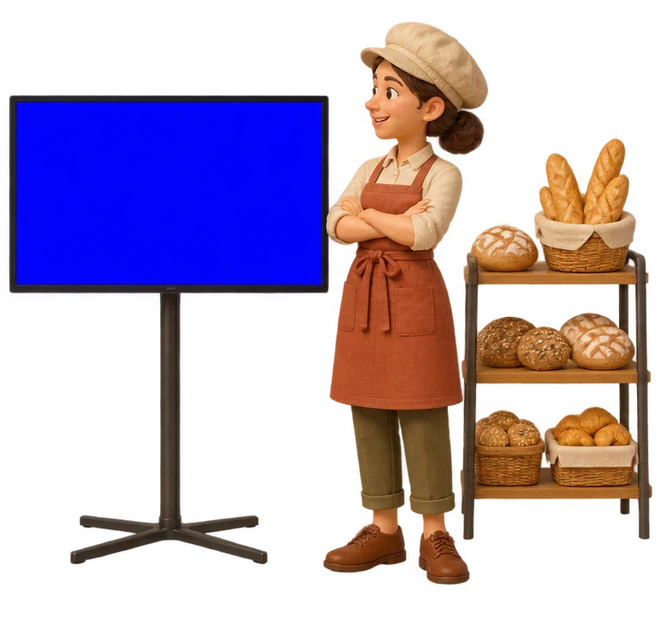
The local business network
Your ads.
Their screens.
Right in your neighbourhood.
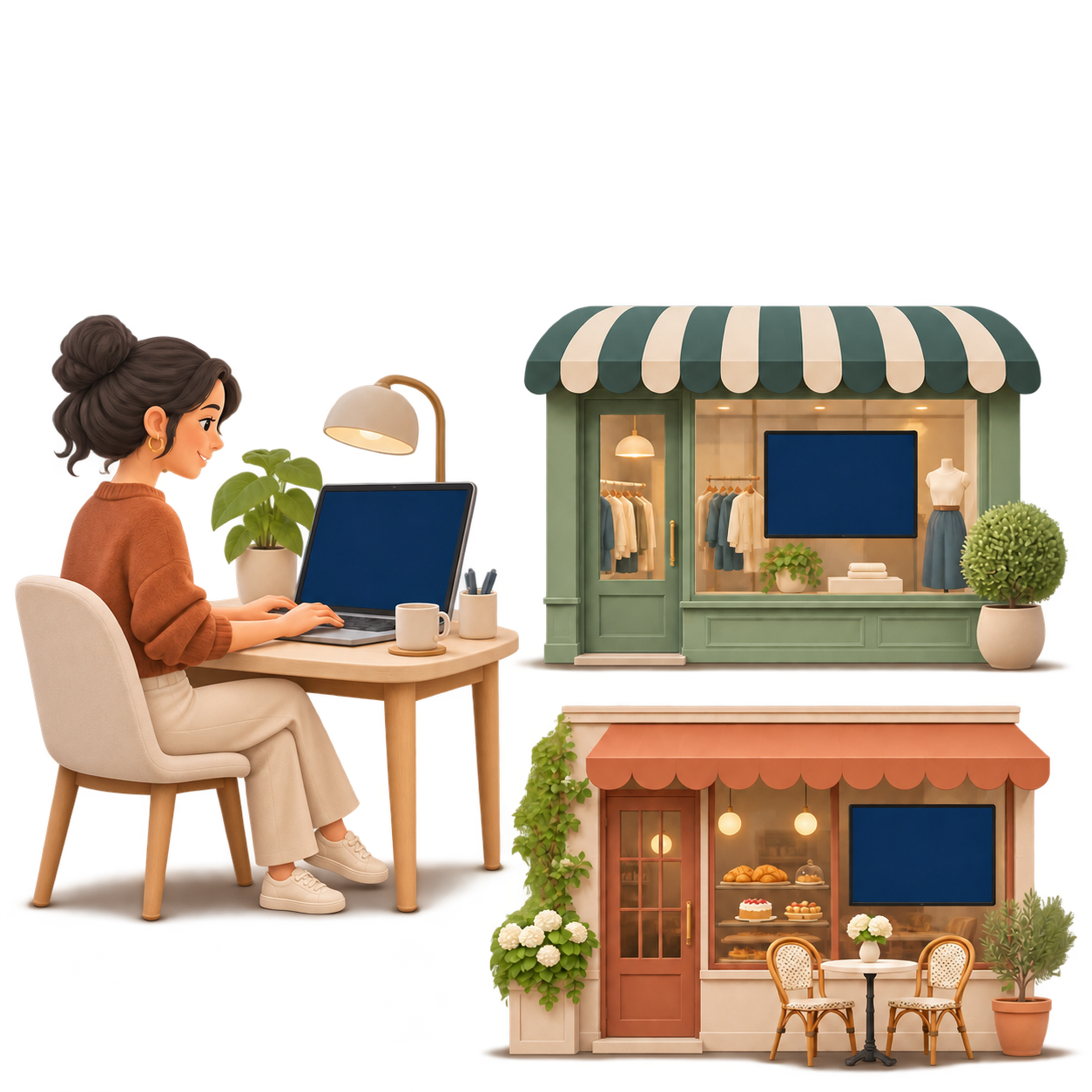
Show your videos on partner screens and share their ads on yours.
Features
Everything you need to advertise
nearby.
-
Awaiting approval
Share your ad
Upload an MP4 or add a YouTube or Vimeo link. Once approved, choose when your video plays.
-
Sharing accepted
Find partners
Send a sharing request to a business in the network. When it accepts, each business can show the other’s ads.
-
Now playing
Your ad on partner screens
See what a hair salon ad can look like on a partner screen.
Go to the merchant dashboard →
How it works
From sign-up to your first ad.
-
Prepare your ad
Create an account, complete your profile and add your video.
-
Send a sharing request
Ask a local business to share screens. Once you both agree, you can show each other’s ads.
-
Show your ad on screens
Schedule your ads and see how often they played.
-
Create your account
Sign up and complete your business profile so partners can get to know you.
-
Choose your plan
Compare plans by video length and number of partners. The first plan includes a seven-day trial.

-
Add your ad
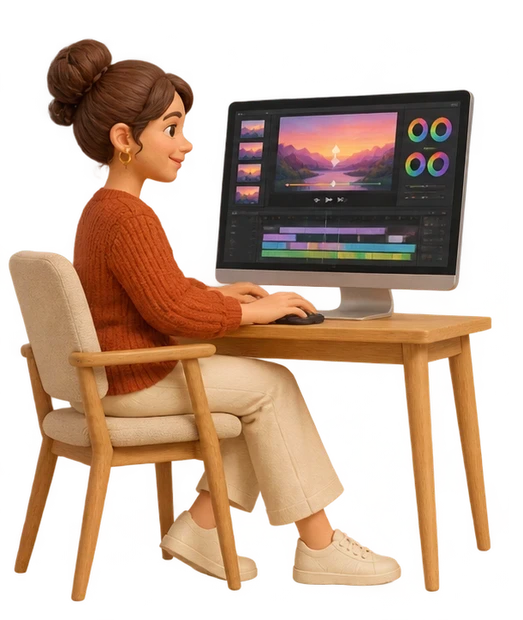
Upload an MP4 or paste a YouTube or Vimeo link. Your video is then submitted for review.
-
Find a partner
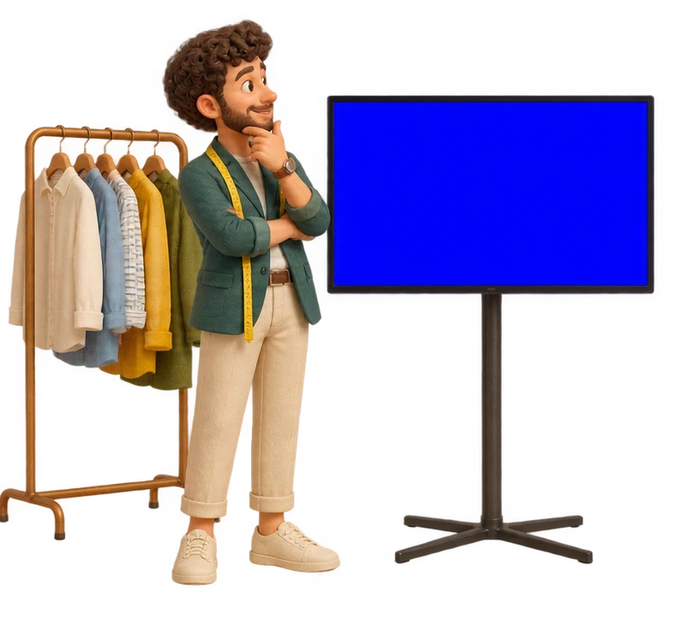
The stylist and baker agree to share their screens. Each can then show their ad at the other shop.

-
Show your ad on their screens
Schedule your approved video on screens across your network.